
Stay safe on DomuHQ: scams, reporting, and blocking
Never pay before you have seen the place and met the host, keep the conversation on DomuHQ, and use Report and Block the moment something feels off.
What DomuHQ does
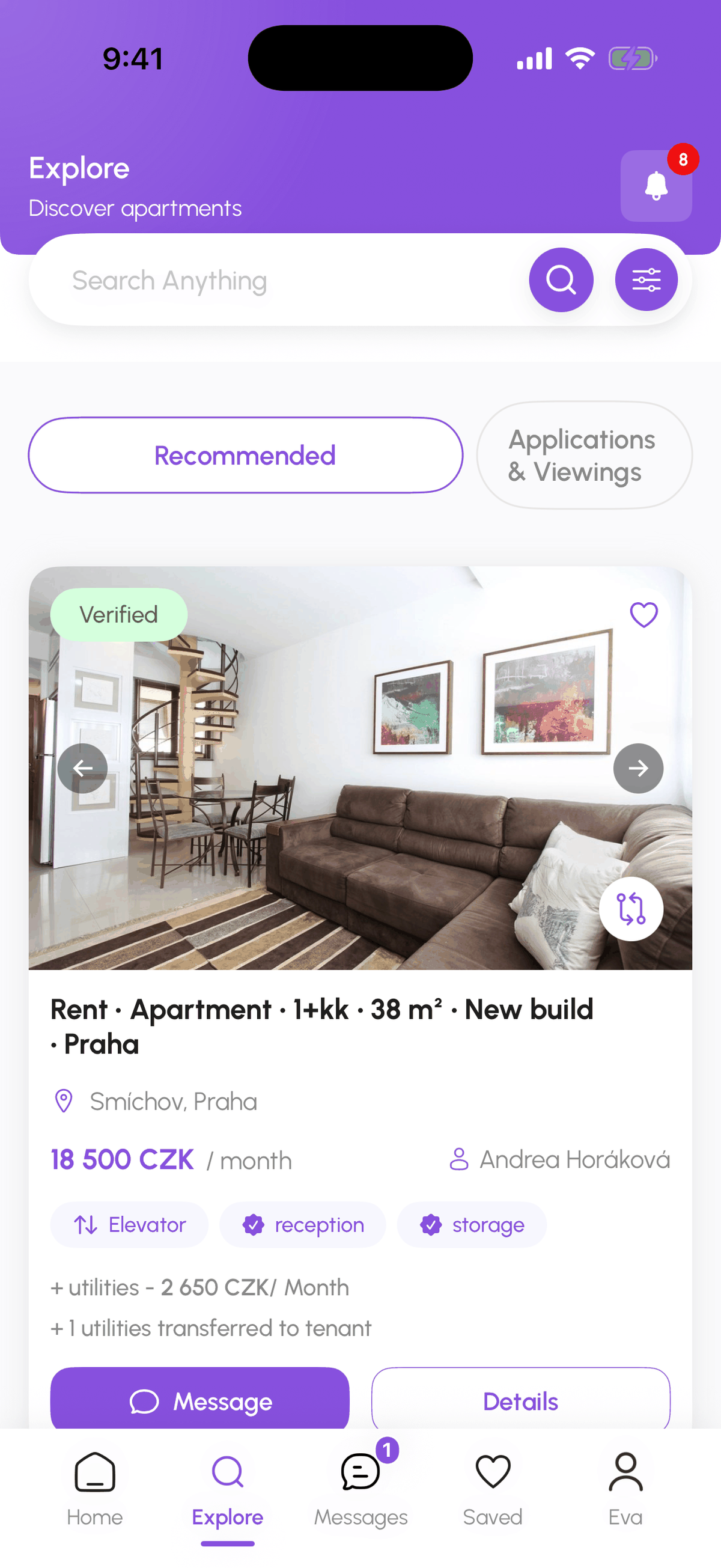
- Identity verification with a government ID and selfie; every card shows Verified or Unverified.
- Listing review before a listing goes live, and a Verified badge on listings whose ownership documents were checked.
- Report and Block on every profile, listing, and conversation, reviewed by the trust and safety team.
- Sign-in alerts (New Device Login) so you notice if someone else uses your account.
Scam red flags
- A deposit or first rent requested before a viewing.
- Pressure to decide tonight because "three others are interested".
- Pushing you to WhatsApp or email before you have met.
- Rent 30% or more below the market for the area and layout.
- Payment by international wire, gift cards, or crypto.
- A host who cannot answer basic questions about the flat.
Two or more of these together: walk away and report.
Meeting safely
View the property in person before any money changes hands. Meet a new roommate in a café first. Tell someone where you are going. If a viewing feels wrong, leave; there are other flats.
Reporting
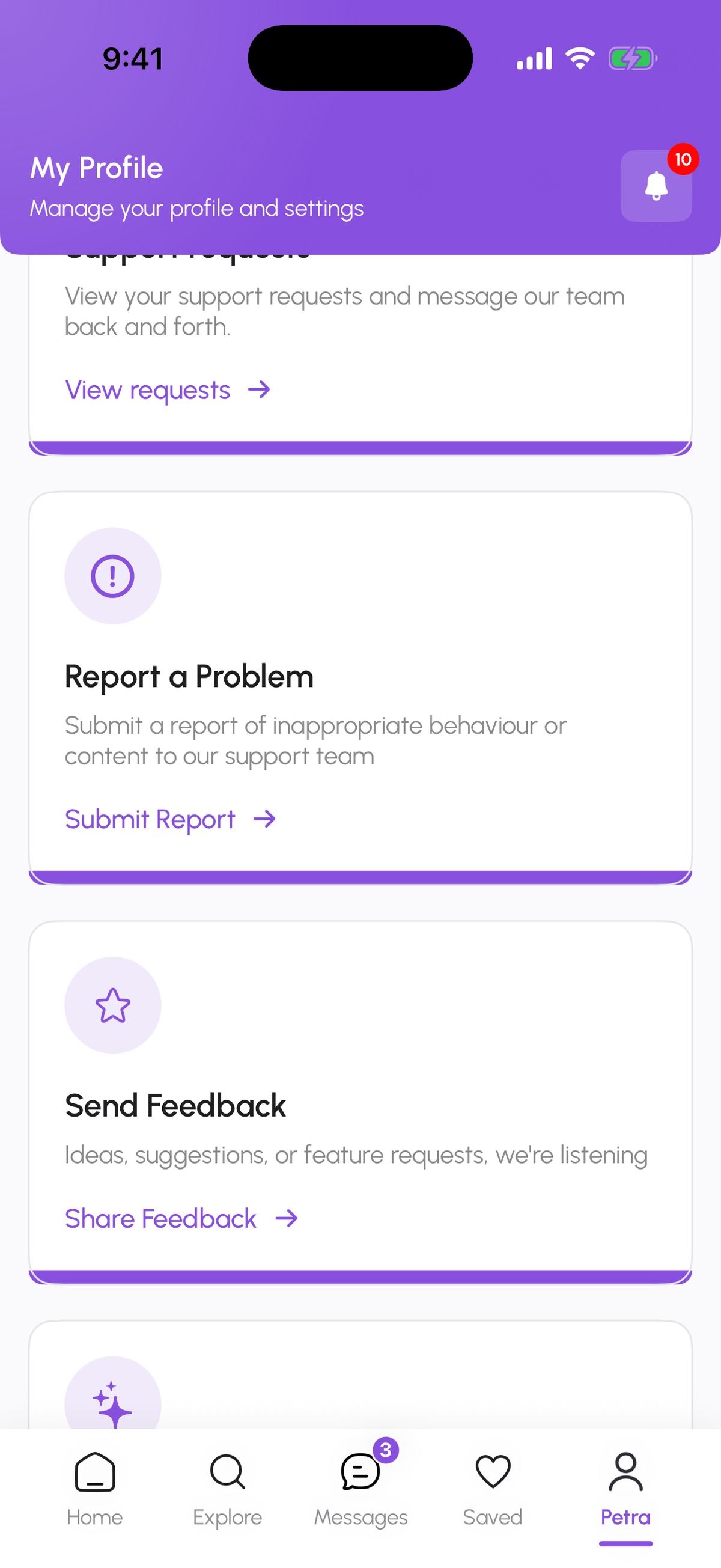
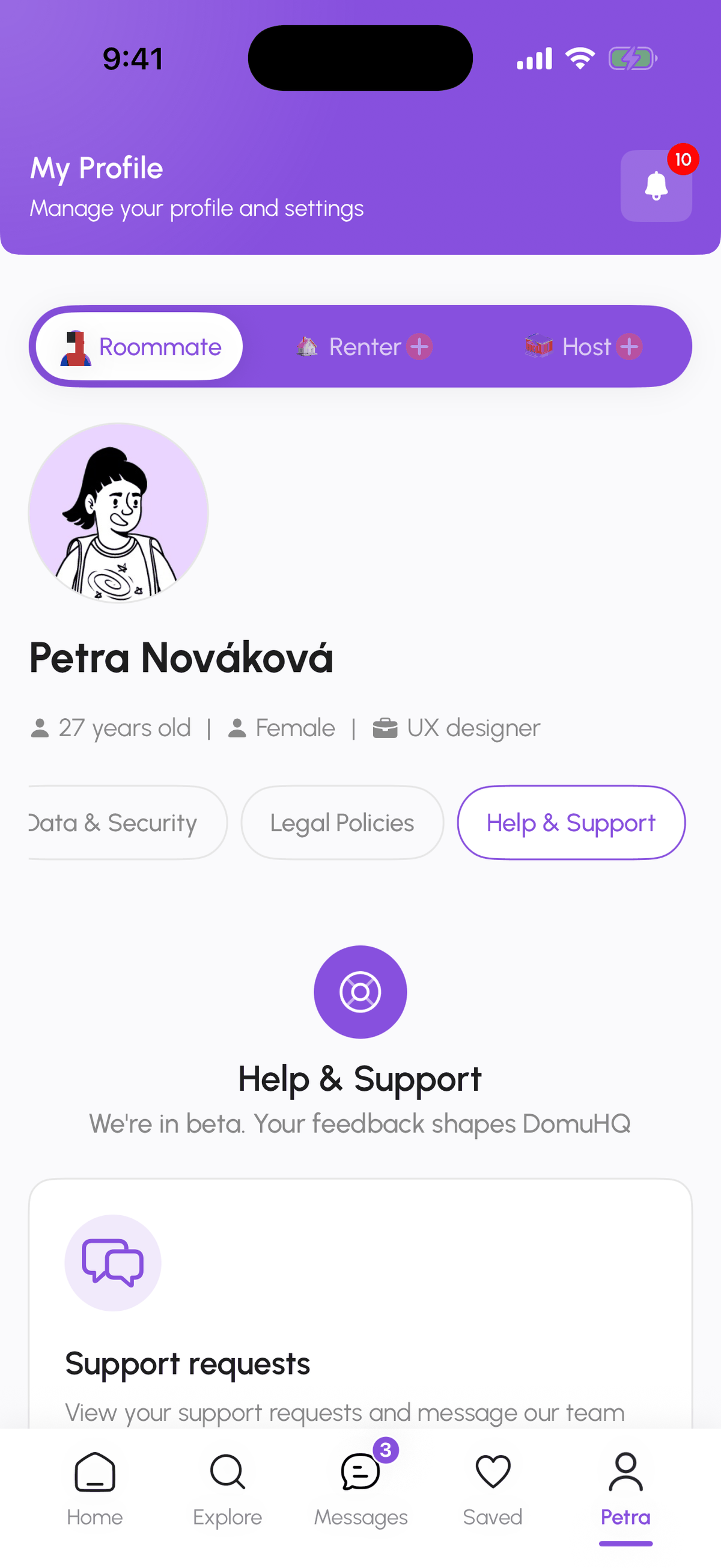
From a conversation or a profile use the menu and choose Report, or on a listing tap Report it at the bottom of the page: pick a reason (Harassment, Spam, Scam or fraud, Inappropriate content, Impersonation, Safety concern, or Other), describe what happened, and attach screenshots if you have them. For anything else go to Profile, Help & Support, Report a Problem, choose the topic (Safety & Trust, Billing & Subscription, Account, Property or Listing, Technical Issue, Feedback & Ideas, Something Else), add a subject and message, and tap Send request. You get a support request you can follow under Help & Support, Support requests. The person you report is not told who reported them.
Blocking and unmatching
Block User in the conversation menu stops all contact: the person cannot message you, see you in matches, or apply to your listing. Unmatch removes the connection without blocking. Both are separate from reporting; do whichever combination fits.
If you already paid a scammer
Report on DomuHQ right away, contact your bank within 24 hours (recent transfers can sometimes be reversed), and file a report with the Czech police (158). We provide the platform records the police ask for.
Step-by-step
- 1
Check the badges
5 secondsLook for Verified on the person or listing. Unverified is not proof of a scam, but it means you are doing the checking yourself.
- 2
Keep it on DomuHQ
ongoingChat, schedule viewings, apply, and handle the contract and payment evidence inside the app so there is a record.
- 3
Report a problem
2 minutesConversation or profile menu, Report; on a listing, Report it; or Profile, Help & Support, Report a Problem, pick the topic Safety & Trust, and Send request.
- 4
Block if needed
5 secondsConversation menu, Block User. This is immediate.
- 5
Follow up
ongoingHelp & Support, Support requests shows the status of your report and the team's replies.
Frequently asked questions
Will the person I reported know it was me?
No. Reports are confidential.
How fast are reports handled?
Within 24 hours; safety-critical reports faster. For immediate danger call 112.
Can I report someone who took the conversation off DomuHQ?
Yes, report the profile. We can act on their DomuHQ account even if the scam happened elsewhere.
Related articles
Renting in the Czech Republic: what expats should know
The Czech rental market has its own rules: deposit caps, lease formats, layout codes, and which documents matter for residency. A practical primer.
BeginnerComplete your profile and get the Verified badge
Raise your Profile Score with a real photo, a bio, lifestyle details, and photos, then verify your identity with a government ID and a selfie to earn the Verified badge.
BeginnerMessages: conversations, requests, and chat actions
How the Messages tab is organised, what the filter chips mean, what the property chat header can do, and how to archive, pin, mute, block, or report a conversation.
Beginner