
Apply as a Squad and track the application
A Squad applies to one listing as a team after a property vote. The host sees every member; the tracker shows per-member progress for signing and payment.
Before applying
Agree on the budget per person and the move-in window in Squad Settings, and make sure everyone has a verified identity and a complete profile: the host sees all of you at once, and one empty profile weakens the whole application.
Picking the property
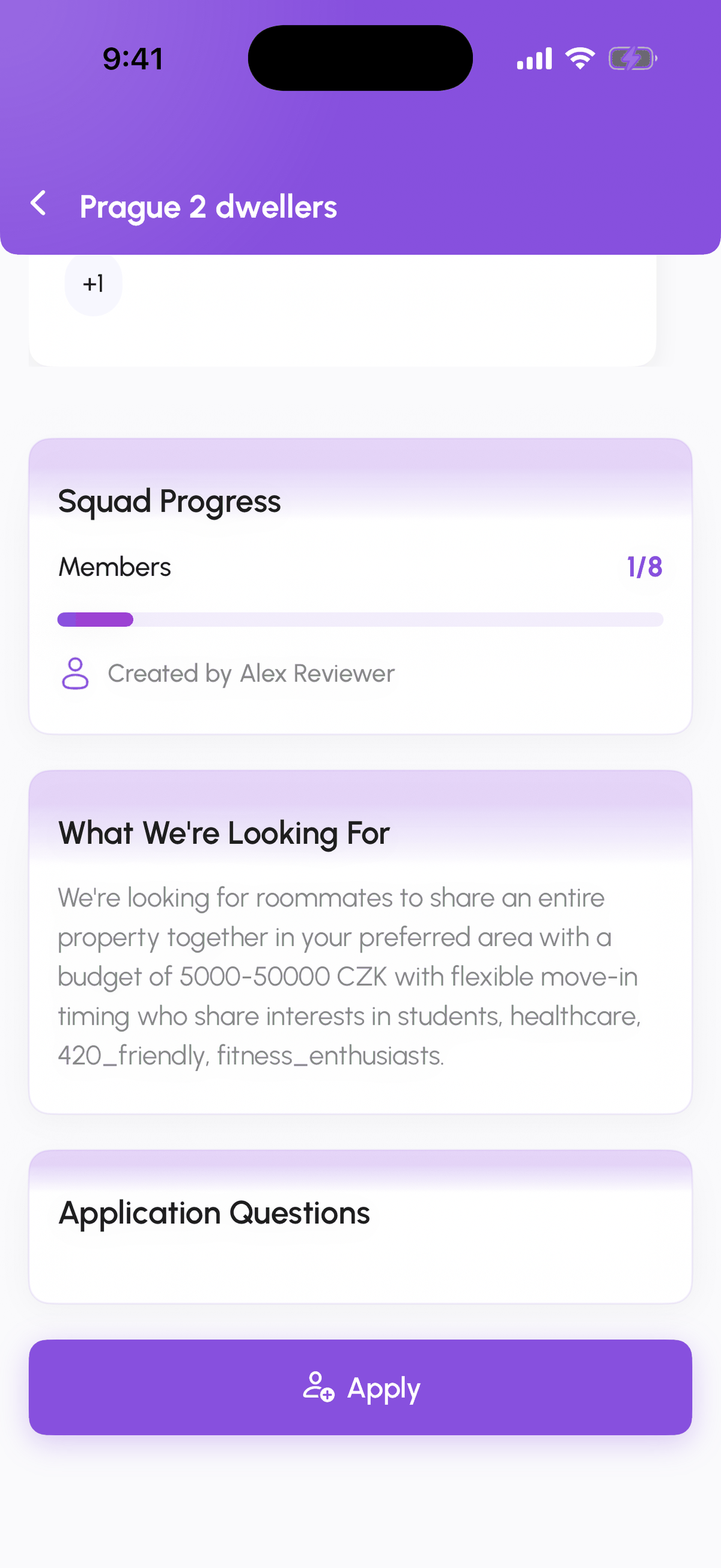
Any member suggests a listing under Properties, Suggest New Apartment with a note and a voting deadline. Members vote under Decisions. When the vote passes, the admin taps Apply on that property from the squad page.
What the host sees
One application card with the squad name, size, and every member's profile and verification status. The host accepts or rejects the squad as a whole and can request documents from individual members.
Tracking
Open Track Squad Application from the squad page or the listing chat. Squad Overview lists each member with what they still owe; Track Application shows the pipeline. Steps that every member must do (view and sign the contract, upload payment evidence) show a counter, for example Lease Signed 2/3; steps owned by the host or the admin show a single status. The squad chat receives a card for each change.
One application at a time
A squad can have one active application. Withdraw it (admin) before applying elsewhere.
Step-by-step
- 1
Suggest and vote
variesProperties, Suggest New Apartment, then Decisions to vote. The winning listing is the one you apply to.
- 2
Admin submits the application
10 secondsOn the winning property tap Apply and confirm. Every member gets a notification.
- 3
Track per member
ongoingOpen Track Squad Application. Squad Overview shows who still needs to act; Track Application shows the pipeline with x/y counters.
- 4
Each member signs and pays
variesEvery member views and signs the contract and uploads their own payment evidence; the counter fills up as they do.
Frequently asked questions
Can members apply to different flats in parallel?
Not from the same squad. A squad holds one active application; members can still apply individually as renters.
What if one member drops out mid-application?
The admin removes them from the squad. Tell the host in the chat; they can accept the smaller squad or ask you to re-apply.
Who signs the lease?
Every member, unless the host prepares a lease with one main tenant. The Track Application counter shows who has signed.
Related articles
Track your application from accepted to move-in
After a host accepts you, Track Application shows every step from lease to move-in, with a button when it is your turn. Here is the exact pipeline for each listing type.
IntermediateSign the rental contract: DigiSign, in-app signature, or upload
The host uploads the contract and picks how it gets signed: electronically through DigiSign (BankID or SMS code, Host Pro and above), signed in the app, signed manually and uploaded, or in person.
IntermediateCreate a Squad
A Squad is a group of 2 to 8 people who look for housing together. Pick Private, Open, or Semi-Open, set the budget and move-in window, add tags and application questions, and invite people from your matches.
BeginnerSquad roles, settings, and payment split
How a Squad Admin promotes or demotes members, removes people, edits Squad Settings, and records how the rent is split between members (even or weighted).
Beginner